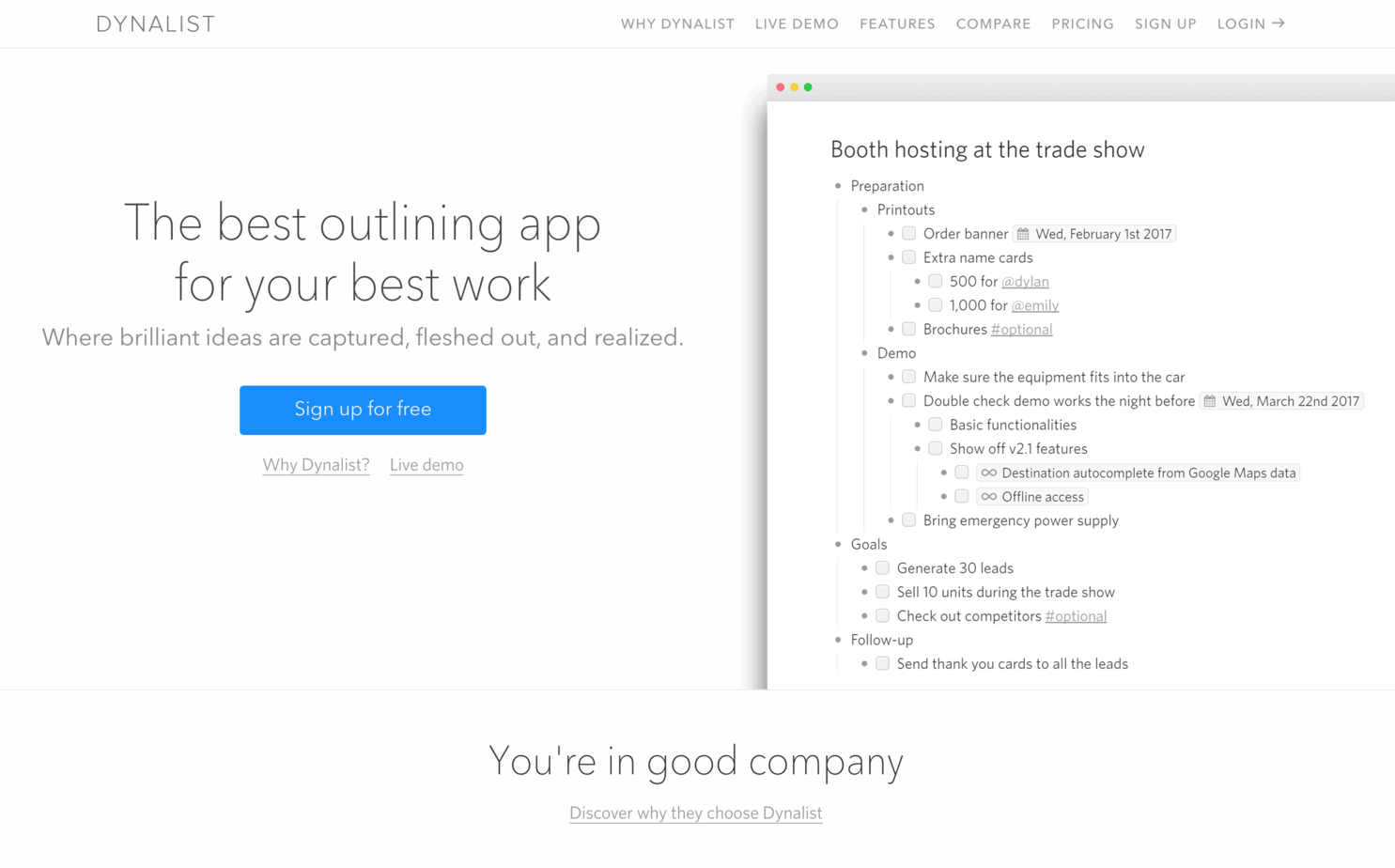
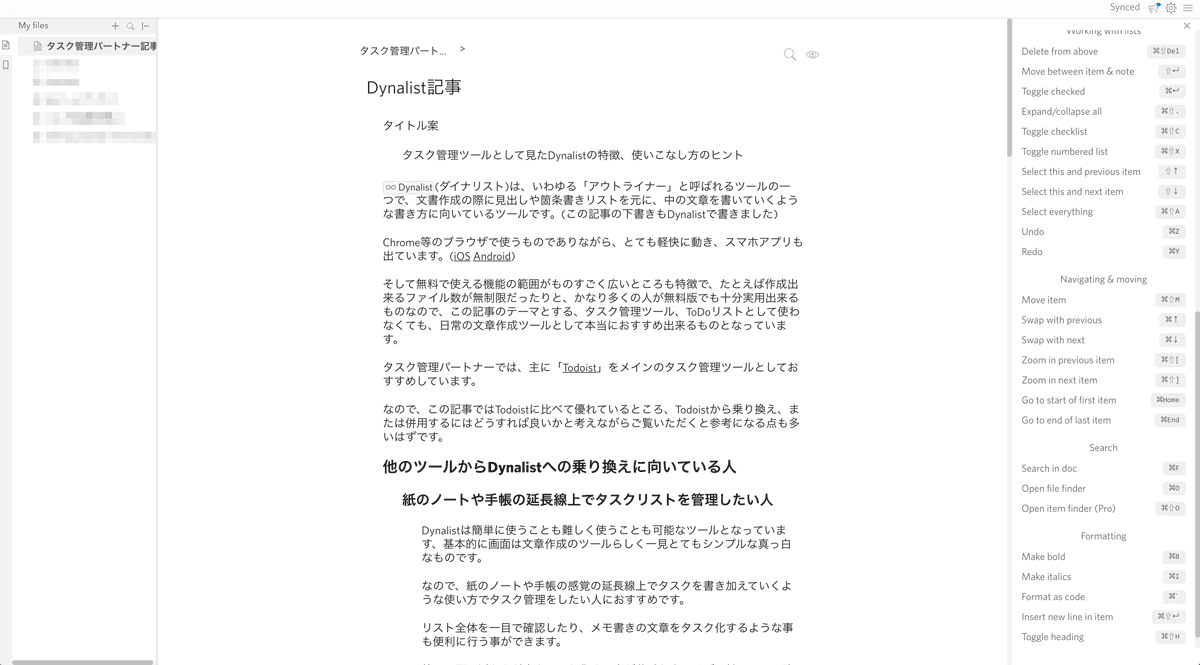
Dynalist is an outliner—a tool that lets you draft documents the way you might plan them on paper, using headings and bullet points as the backbone. (I drafted this article in Dynalist.)
It runs in the browser yet feels light, and there are apps for iOS and Android.
The free plan is generous—you can create unlimited files—so even if you never touch the task features, it is an excellent everyday writing tool.
I drafted this article in Dynalist.
We usually recommend Todoist as the primary task tool for our clients. If you are comparing the two, here is when Dynalist shines.
Who Should Consider Switching to Dynalist?
You Like Managing To-Dos the Way You Use a Notebook
The interface is clean and text-first, so it feels like writing in a notebook. Add tasks where they naturally fit, scan the entire list at a glance, and turn memos into actions on the spot.
If capturing ideas as a list is not your strength, Dynalist’s free-form outline can make it easier.
Need help with Task Management Partner?Contact us anytime
If you have questions about our services or plans, feel free to reach out via the inquiry form.
The hierarchy and editing power of Dynalist make it a strong successor. Many people who tracked To-Dos in Evernote feel right at home here.
You Prefer Fewer Tools
No single app can do everything, but Dynalist covers both thinking and doing: brainstorm, outline, and then execute all in one view. If you want to minimise your toolset, this is a meaningful option.
Todoist Feels Like the Wrong Fit
Todoist is excellent, yet some of our clients find it hard to see the whole list at once. Dynalist’s outline view keeps every branch visible, which suits people who need that overview.
Points to Keep in Mind
Dynalist does not excel at labels, deadlines, or priority flags. You can work around this, but often it requires the Pro plan (US$7.99/month at the time of writing) and a bit of creativity.
For example, due dates can sync to Google Calendar (Pro feature), but Dynalist itself will not send you a reminder. Priorities rely on styling text with colours or boldface and filtering manually.
How We Use Dynalist with Clients
We support whichever task tool you prefer, but Dynalist has become a strong candidate alongside Todoist. Here are two simple sharing approaches:
A. Share a Single Folder
Create a folder such as “Task Management Partner” and share it with us. Every document in that folder becomes visible to your partner—much simpler than managing multiple shared projects.
B. Share Files by Project or Time Frame
If you prefer more control, create separate files per project, “This Week,” or even by specific date and share only those. Dynalist keeps the process quick.
The best task tool varies by person—and even for the same person, it can change with the situation. Dynalist is worth a try if you want an outline-driven way to capture ideas and turn them into action.
We usually recommend Todoist, but we are happy to work with the tool that suits you best. When you join the service, let us know which app you would like to use.
Note: This article is translated from the Japanese version. The call plan (voice support) mentioned here is not yet available in the English version and is currently under preparation. Updates will be shared on the English site when the service is ready.
Author
Shinya Oishi
A freelance designer and developer involved in promotion and public relations for a wide range of companies, organizations, and facilities.
At Task Management Partner, responsible for business planning, website development, and illustration.
Known for versatility and a wide-ranging skill set—including design, illustration, development, and content creation—I am capable of and interested in many things, which often leads to handling an overwhelming number of tasks.
This service was created to address that challenge by having someone else review and help organize one’s tasks. As a service built on the principle of “selling what I myself truly need,” I confidently recommend it to anyone struggling with task management.
Need help with Task Management Partner?Contact us anytime
If you have questions about our services or plans, feel free to reach out via the inquiry form.