/blog/manual/tool/video-chat1/
Know the camera angles, lighting, and background that flatter you
Looking presentable matters in any meeting. In video conferences, “appearance” includes not only you but also whatever the camera captures behind you.
Aim for at least “not a negative”
Content is more important than looks, but the basics still matter. Make the effort to avoid giving a poor impression.
Think of your appearance as the combination of you plus your visible surroundings, and tweak both accordingly.
Find your best camera angle and posture
If you rely on a built-in webcam, the default angle often points upward, leaving you looking down at the camera.
That angle can look quite different from what you see in the mirror-and many people dislike it. Run some test recordings to discover a flattering position.
Adjust lighting for dark rooms or evening calls
Webcams are typically weak in low light.
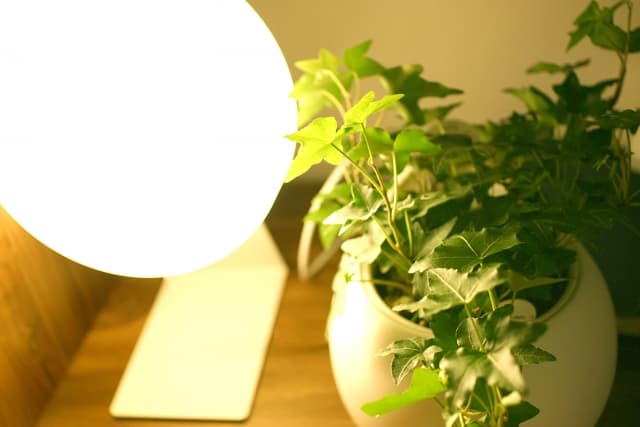
If you are meeting at night, add a small fill light that shines on your face without disrupting your work. Use the preview mode to check and fine-tune the placement.
Do not overdo it-adding multiple lights increases the workload and requires skill to use well. Even one or two well-placed lights can make a big difference.
One-person Lighting Techniques | Video SALON
When in doubt, add some greenery
Your background should be as tidy and clean as your outfit. Messy, dirty rooms are out of the question.

That is a reasonable place to start.</speech_bubble]
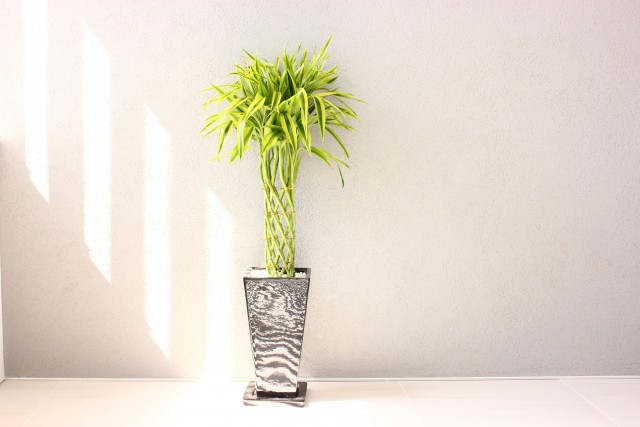
A plain white wall conveys cleanliness, but if it is completely blank it can feel sterile.
In that case, add a potted plant so it appears in the frame. Just that detail can soften the impression.